NETGEAR network solutions
Switch selection, installation and technical support. Console interfaces are checked per model.
NETGEAR networking solutionsQUICKDESK PRO · REMOTE FIELD ACCESS
A VLAN or management-IP error can interrupt normal access to network equipment. Pre-connect a compatible target console to QuickDesk Pro to plan a maintenance path separate from the main WAN.
4G, QuickDesk power and the target console must be available. RS232, RS485, USB console and TTL are not interchangeable.
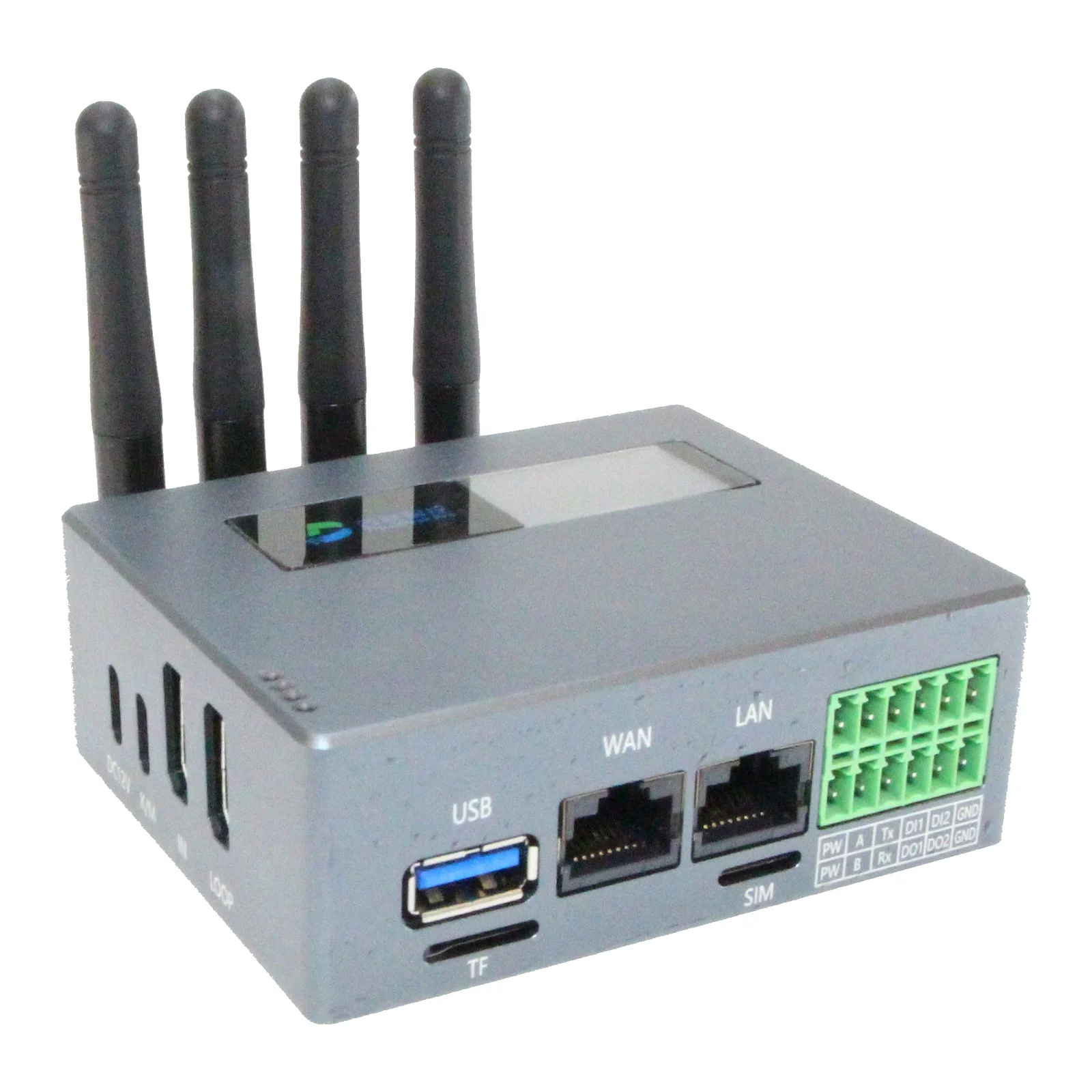
Changing a switch management VLAN can break remote IP access. With a preconfigured serial console and independent 4G path, an authorised technician can inspect console output, correct access settings and recheck normal management connectivity.
This example is not a tested-model list or a claim that every network fault can be fixed remotely. Router/firewall serial interfaces, cabling and command access require their own review.
Here, out-of-band access means a maintenance path separate from the main network path experiencing a fault. Combining 4G internet and a serial console can provide an alternative when the target management IP is unavailable.
A separate connection is not independent of power, cellular coverage or the access service. Document these dependencies; do not promise uptime or failover timing without measurement.
Provide switch/router model, console connector type and access purpose. This scenario does not directly apply to equipment without a serial port. A brand name alone does not establish console support across all its models.
Switch selection, installation and technical support. Console interfaces are checked per model.
NETGEAR networking solutionsExplore the differences between serial console, virtual COM and KVM.
QuickDesk Pro specificationsNo. Management and console interfaces vary by model. Verify serial console support, pinout and settings in the target manufacturer’s documentation.
A 4G modem provides internet; it does not by itself expose the target serial console or BIOS screen. Serial/KVM functions, correct local wiring and an access service are also needed.
New products carry a two-year manufacturer warranty. Device, accessories, installation, SIM/data and any cloud/licence fees are confirmed separately in the quotation. Stock and delivery are confirmed at quotation.
Check hardware revision, firmware and service plan. Suitability is reviewed against your target device and use case before purchase; documentation is not a substitute for a field test.