PLC and SCADA engineering services
Review programming and integration scope alongside connectivity.
Explore automation servicesQUICKDESK PRO · REMOTE FIELD ACCESS
Plan authorised access to a customer machine’s PLC from your engineering PC. QuickDesk Pro LAN connectivity and the CloudLink client connect your engineering software with reachable field devices.
The engineer’s PC needs CloudLink and the appropriate engineering software. Review PLC model, firmware, addresses and licences before setup.
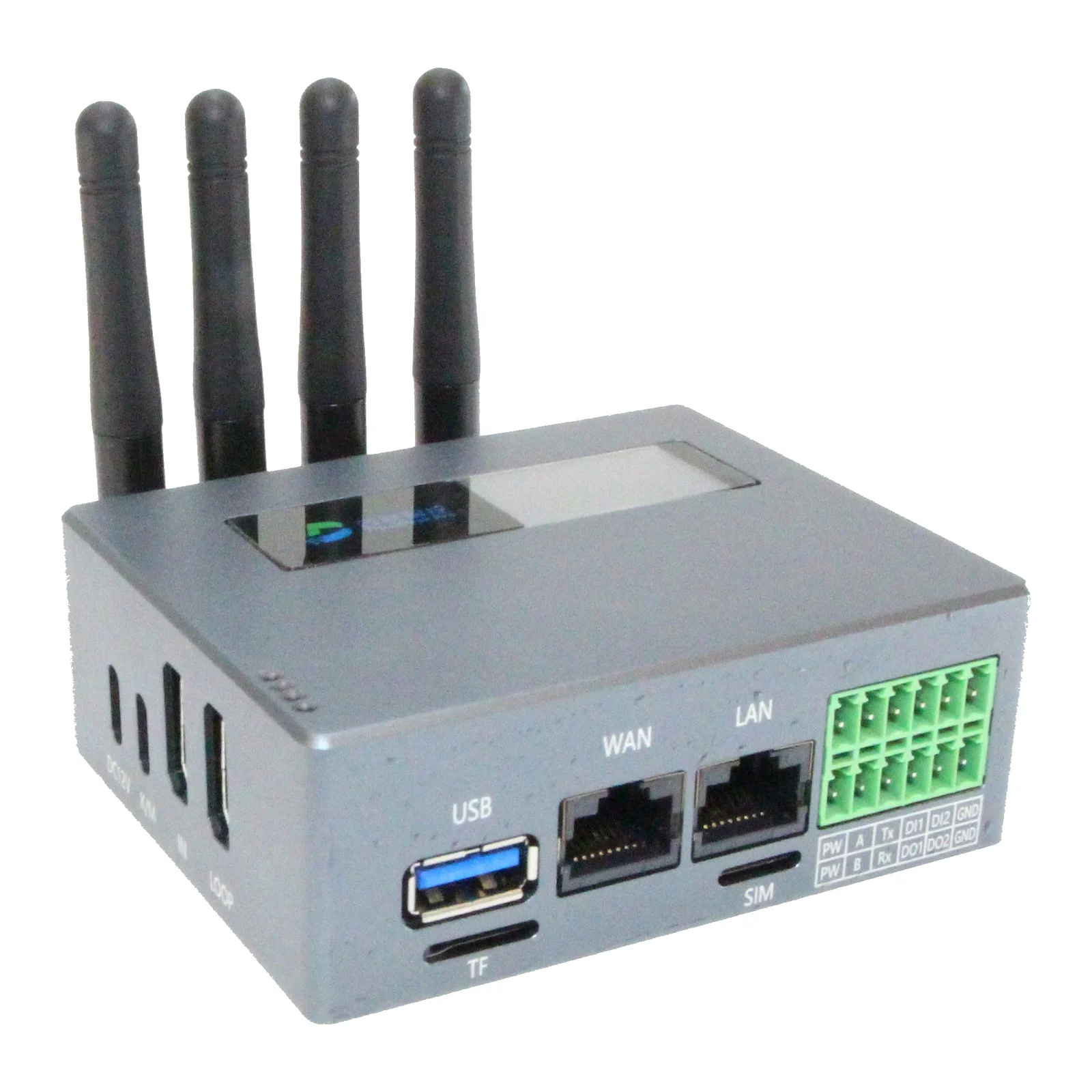
When a packaging machine reports a fault, the service team first examines reachable PLC diagnostic information. If needed, it views the on-site engineering or SCADA PC through KVM, separating remote work from tasks requiring a site visit.
PLC/LAN and PC/KVM access require separate setup. Validate concurrent use and port/session limits in a pilot. Machine motion and process changes remain subject to authorised personnel and existing local safety controls.
SIM/4G can reduce dependence on the factory WAN for internet. However, PLC access still needs a local connection to the machine LAN, so “no connection to the factory network” is not an accurate description of this workflow.
Check operator coverage, APN, antenna, power availability and access service. The manual describes network priority; no guaranteed interruption-free or fixed-time failover is claimed.
CloudLink virtual COM mapping can be evaluated for suitable RS232/RS485 PLCs, HMIs or instruments. Existing engineering software communicates through the remote serial port. Test protocol, baud/parity, cabling and latency tolerance with the actual target.
Provide PLC model, firmware, engineering software/version, Ethernet or serial interface and the required operation. The manual includes a Siemens S7 connection example; it does not establish compatibility with all Siemens models or all versions from other brands.
Review programming and integration scope alongside connectivity.
Explore automation servicesCompare KVM, 4G, serial and data acquisition connections.
QuickDesk Pro specificationsNo. QuickDesk provides the access path. The engineer’s PC still needs the manufacturer’s programming/diagnostic software, licence and appropriate permissions.
No. KVM operates the PC screen over HDMI/USB, with software running on that PC. Direct PLC access uses CloudLink and the remote engineer’s own software.
New products carry a two-year manufacturer warranty. Device, accessories, installation, SIM/data and any cloud/licence fees are confirmed separately in the quotation. Stock and delivery are confirmed at quotation.
Check hardware revision, firmware and service plan. Suitability is reviewed against your target device and use case before purchase; documentation is not a substitute for a field test.