Explore KVM selection
Local KVM switching, KVM over IP and single-computer access differences.
KVM switch selection guideQUICKDESK PRO · REMOTE FIELD ACCESS
When remote desktop is unavailable, the cause may only be visible on screen. QuickDesk Pro captures the computer’s actual HDMI output and forwards USB keyboard/mouse input for remote BIOS and recovery work.
The computer must have power, output HDMI video and accept USB input. Hardware replacement still requires on-site intervention.
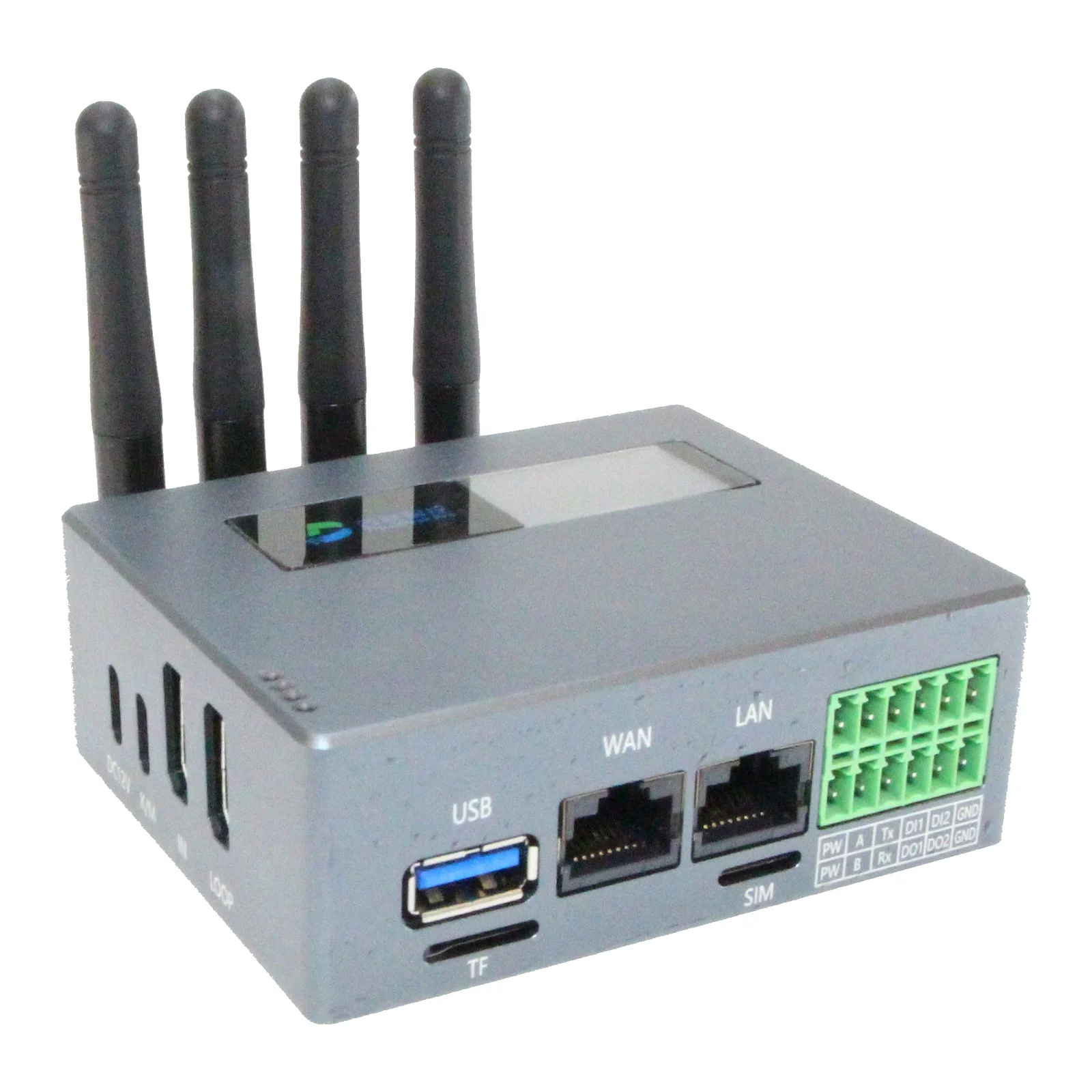
Example scenario: after an update, a SCADA computer cannot reach Windows and remote desktop is unavailable. With KVM already connected, the technician views startup, inspects BIOS/boot settings, evaluates recovery media and plans an informed site visit if hardware intervention is needed.
This is a use-case scenario, not a customer case study or guaranteed recovery time. HDMI/USB compatibility must also be checked for kiosk and signage computers.
Local KVM switching, KVM over IP and single-computer access differences.
KVM switch selection guide| Situation | Software remote access | HDMI/USB KVM |
|---|---|---|
| Before Windows boots | Unavailable if the target OS and access service are not running. | BIOS/startup access can be available with supported video and USB. |
| Everyday desktop work | Suitable for everyday support through a running OS. | Uses a hardware connection; bandwidth and video settings matter. |
| Power or hardware failure | An inoperative target cannot be accessed. | Does not repair a target unable to produce video; physical intervention may be needed. |
Start with PC model, OS, video output, BIOS/USB boot requirement, field network and access purpose. Any converter needed for non-HDMI output requires a separate test.
Explore 4G, PLC, serial ports, data acquisition and specifications.
QuickDesk Pro specificationsKVM access does not guarantee a physical reset. If USB also stops responding, a separate verified reset/power-control mechanism is needed. Gateway reboot or Reset OTG is not the same as resetting the target PC.
Virtual media and KVM can support installation on a suitable target. Power, video, USB boot, disk and BIOS requirements must be met, with licences, drivers and backups available.
New products carry a two-year manufacturer warranty. Device, accessories, installation, SIM/data and any cloud/licence fees are confirmed separately in the quotation. Stock and delivery are confirmed at quotation.
Check hardware revision, firmware and service plan. Suitability is reviewed against your target device and use case before purchase; documentation is not a substitute for a field test.